
iOS vulnerability worse_query: are crypto wallets on the iPhone at risk?
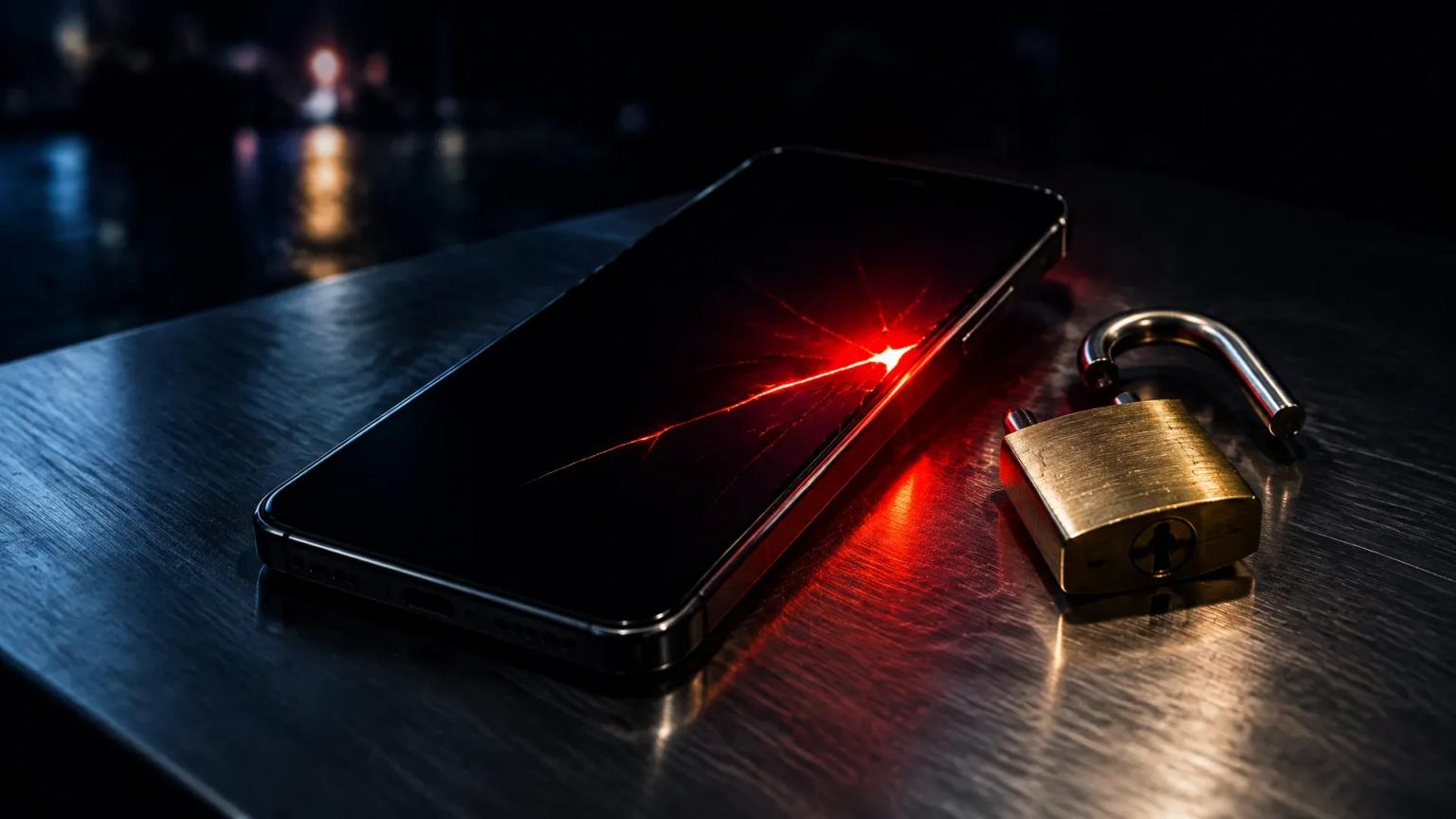
A publicly available sandbox escape lets apps on iOS 26 and 27 look into the folders of other apps, and Binance and SlowMist warn of risks to seed phrases. iPhones running apps from outside the App Store are most exposed, and whether Apple's update helps is still unclear.

Which topics should we dive deeper into?
Select what genuinely interests you. Your picks feed directly into our editorial planning.
Crypto news that's actually worth your time.
Weekly. 60 seconds. Carefully curated by our editors: no hype, no promo flood, no spam.
The iOS vulnerability "worse_query" can put crypto wallets on the iPhone at risk, but only under one condition: an app that does not come from the App Store must be running on the device, and the wallet must store its seed phrase or key store unencrypted in its file folder. There are no confirmed thefts so far. Binance and the security firm SlowMist nevertheless issued warnings on Tuesday, because the code has been public since Sunday and Apple has not yet confirmed whether Monday's updates close the gap.
For investors in Germany, this becomes a concrete question of custody. If you hold Bitcoin or Ether in an app on your iPhone, you own a so-called hot wallet: a software wallet whose private key sits on an internet-connected device. Those keys are exactly the target once a foreign app can suddenly look into the folders of other apps. How large the risk is in an individual case depends on three things: the iOS version, where your apps come from and the way your wallet stores its secrets.
What the worse_query sandbox escape opens up on the iPhone
Every app on the iPhone runs in a sandbox. The sandbox is a sealed-off area of the operating system in which an app may only see its own files. This principle is the core of iOS security: a flashlight app cannot get to your photos, and a game cannot reach the data of your banking app.
"worse_query" breaks this separation. The security researcher who goes by the name forcequitOS published the code on GitHub on Sunday and named a second researcher as co-discoverer. According to The Hacker News, the proof of concept, meaning the working demonstration of the flaw, reaches the data containers of all apps on the device, and on iOS 27 some system folders as well. A developer has already used it to build a file manager that can read, change and delete the data of other apps, without a jailbreak and without attacking the system kernel.
The researcher himself writes that the code is not useful on its own and is aimed at developers. He says he published it earlier than planned because Apple responded only hesitantly to his report and others were already boasting about the flaw. SlowMist describes the vulnerability as an escape from the app container and explicitly not as a jailbreak. The difference matters: a jailbreak removes the protection mechanisms of the entire system, while worse_query only opens a view into other apps' folders.
Affected iOS versions: SlowMist and Binance cite different releases
The accounts differ on which devices are affected. Based on the discoverer's documentation, SlowMist lists iOS 26.0 to 26.7.2 as well as iOS 27.2. Binance names iOS 26.7.1, 27.0.1 and 27.2 in its own warning. The exchange is describing the versions listed as tested in the file manager's release notes, while the discoverer himself gives a wider range.
It therefore makes sense to work from the wider range: every iPhone running iOS 26 or iOS 27 up to and including 27.2 should be considered potentially affected. Older devices on iOS 18 do not appear on either list. You can find your version under Settings, General, About, in the iOS Version field.
Do iOS 27.2.1 and iOS 26.7.3 fix the security flaw?
On Monday Apple released iOS 27.2.1, iOS 26.7.3 and iOS 18.7.12. According to Apple's security notes, the updates fix bugs in iMessage and Bluetooth. Neither worse_query nor any sandbox issue is mentioned there. As a rule, Apple does not comment on security vulnerabilities until its investigation is complete and a patch is available. The company had not responded to a request from the trade outlet Cointelegraph by the time its report was published.
Whether the latest update helps is therefore open. You should still install it, because it closes other documented flaws and because any later fix for worse_query will build on this release. An up-to-date system is no proof of protection against this one flaw, but an outdated system is open to more attacks.
A quick note on the status: according to reports so far, there is not yet a CVE entry, the official identification number for a security vulnerability.

When a crypto wallet on the iPhone is genuinely at risk
SlowMist stresses that the flaw alone steals nothing. Several conditions have to come together before a wallet can actually be read out. First, a malicious app that executes the code has to be on your device. Second, this app has to set up a so-called App Group directory, a shared storage area that apps from the same developer normally use together. Third, the wallet has to store its seed phrase or keystore unencrypted in its own folder.
The seed phrase is the list of 12 or 24 words from which all keys of a wallet can be derived. Anyone who knows it can restore the balance on any device in the world and drain it. A keystore is a file that holds the private key, ideally encrypted with a password. Reputable wallet apps store both in encrypted form or use the iPhone's keychain and its secured hardware area. None of the sources has so far confirmed or ruled out whether worse_query can reach the keychain.
Binance has not named any specific wallet app as affected. A spokesperson for the exchange told Cointelegraph that the underlying file access risk could affect the entire iOS ecosystem. There are no known cases in which attackers used this flaw to open crypto wallets or steal funds, the spokesperson added.
Sideloading and alternative app marketplaces carry the main risk
The decisive factor is where your apps come from. Sideloading means installing an app outside Apple's App Store, for example as an IPA file via tools such as AltStore or SideStore, or as a self-signed app using your own Apple ID. These very tools automatically set up the App Group directory that worse_query needs. Nobody has yet answered whether an app from the regular App Store could also use the technique.
In the EU, Apple has allowed alternative app marketplaces since the Digital Markets Act. That widens the choice, but shifts part of the vetting onto you. If you pick up wallet tools, trading bots or airdrop helpers from unofficial sources, you should look at these apps especially critically now. You know the same pattern from browsers: there, too, seemingly harmless add-ons turned out to be wallet thieves that harvested seed phrases.
This is quick to check. Under Settings, General, VPN and Device Management you will find developer profiles used to sign apps outside the store. Any profile you cannot identify should be deleted, together with the apps attached to it.
 Compare hardware wallets for your seed phrase
Hot wallet vs hardware wallet: where the private key is stored
The flaw casts an old principle of crypto custody in a new light. A hot wallet on a smartphone is convenient, but its protection depends on the operating system. If a protective layer such as the sandbox fails, the key may be exposed. A hardware wallet works differently: the device generates and stores the private key on its own chip and never releases it. The smartphone only sends the transaction for signing, and confirmation happens at the press of a button on the device.
Even if a foreign app could read every folder on your iPhone, it would find no key with a hardware wallet. At most it would see public addresses and balances. If you hold larger amounts, the hardware wallet comparison lists devices that connect to the iPhone via Bluetooth or cable. For smaller sums that you trade regularly, a software wallet remains sensible, provided it encrypts its data and requires Face ID or a PIN; the software wallet comparison shows the differences.
A sensible split looks like this: the bulk sits on the hardware wallet, and the iPhone holds only the amount you plan to move in the coming weeks. The seed phrase belongs neither in the Notes app nor in a screenshot or iCloud. How to secure it offline on paper, on steel or split across locations is covered in our guide on how to store your seed phrase safely.
Exchange apps on the iPhone: login data, sessions and two-factor protection
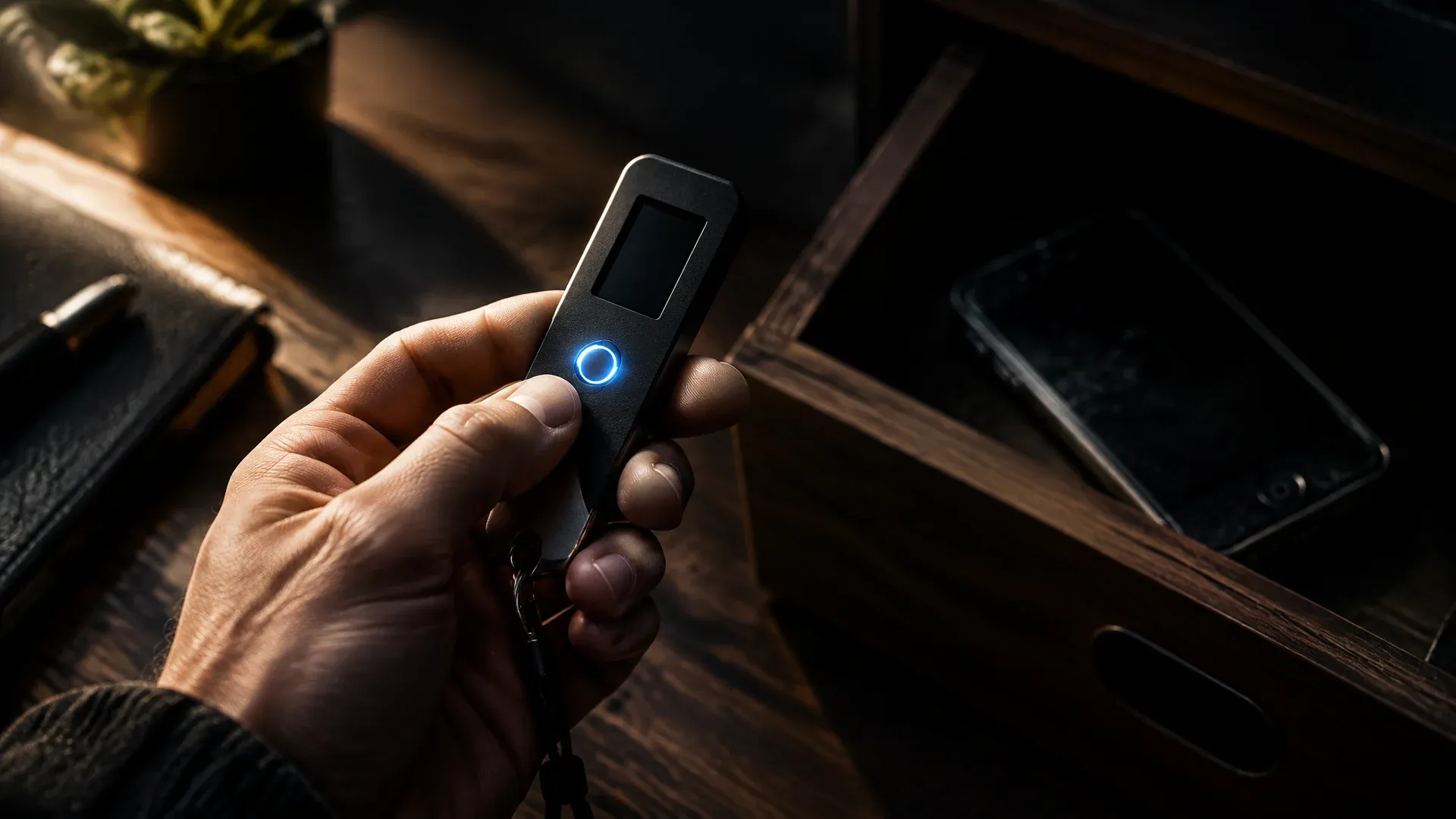
In its warning, Binance explicitly mentions login credentials too. Exchange apps do not store a seed phrase, because the exchange holds the coins. They do, however, store login data and session tokens, the digital passes that keep the app signed in. If such a token falls into the wrong hands, an attacker could in the worst case access your account without knowing your password.
Two layers of protection help here. A withdrawal whitelist only allows withdrawals to addresses you have approved in advance, usually with a waiting period for new entries. Two-factor authentication with a hardware key or an authenticator app on a second device ensures that a withdrawal needs more than the compromised iPhone. If you suspect anything, end all active sessions in the exchange's security settings and change your password. The choice of platform matters as well: exchanges with MiCA authorisation are subject to fixed rules in the EU on IT security and the safekeeping of client funds.
Moving your wallet after a suspicion: a new seed phrase on a clean device
If you installed an app from an outside source in recent weeks and also ran a software wallet on the same iPhone, moving your funds is the safe choice. Binance advises transferring the balance to a new wallet created on a clean device. Clean means a device without apps from outside sources, with an up-to-date system, ideally a hardware wallet.
The order matters. First you set up the new wallet and write down its new seed phrase offline. Then you send a small test amount and confirm that it has arrived. Only after that does the rest follow. Never use the old seed phrase again, not even for a new app, because an attacker may already know it. Our guide to restoring a wallet explains the recovery and the move step by step.
For tokens on Ethereum and other EVM blockchains, it is also worth checking the permissions you have granted, the so-called approvals. These approvals remain attached to the old address and do not affect the new account, but they should be revoked if there is any balance left on the old address.
Why Apple's silence on worse_query makes things harder
Normally a security vulnerability follows a fixed pattern: the researcher reports it confidentially, the vendor develops a patch, and only then does it become public. With worse_query, this order has been turned upside down. The code is freely available, the patch is not confirmed, and anyone with programming skills can build the technique into an app of their own. For the crypto scene that is a delicate situation, because experience shows that attackers react quickly when a tool makes it easier to get at wallets.
The threat to wallets on the iPhone is not new. In March 2026, security researchers described the exploit kits Coruna and DarkSword, which harvested wallet data alongside passwords and messages on older iOS versions. Against that malware, an up-to-date operating system was the main defence. With worse_query that protection is missing for now, because Apple has not confirmed a patch.
At the same time, the hurdle remains high. An attack needs your help, namely the installation of an app from an unsafe source. If you only use apps from the App Store and have not installed any developer profiles, you are significantly less exposed on current knowledge. There is still no reliable answer to whether apps from the store could exploit the flaw as well.
iOS flaw worse_query: until Apple responds, app hygiene is what counts
- Remove apps from outside sources and update iOS. Delete sideloaded apps and unknown developer profiles, install iOS 27.2.1 or 26.7.3 and update all your apps. Move larger holdings to a device from the hardware wallet comparison.
- Review your software wallet. Only use wallet apps that store their data encrypted and require a lock via Face ID or PIN. The software wallet comparison shows a selection.
- Secure your exchange account. End all sessions, change your password, activate the withdrawal whitelist and keep only as much on the exchange as you need for trading. The overview of regulated crypto exchanges shows which providers hold an EU licence.
(As of November 10, 2026. This article is not investment advice. Prices and fee structures change; check the terms with the provider before you buy.)
Frequently asked questions about the iOS vulnerability worse_query
Transparency note: This article was produced with the assistance of artificial intelligence and reviewed by our editorial team before publication. All figures and claims were checked against the primary sources linked in the text. The feature image was generated with AI.
Related articles
- Phantom wallet setup: twelve words decide the fate of your Solana coins
- Keplr Wallet halts Google and Apple login after Web3Auth flaw drains accounts
- Dogecoin news: Why Mishaboar warns against social login wallets
- Restoring a Crypto Wallet: Your Seed Phrase Gets the Coins Back
- Agent wallets: nine out of ten AI models raised their own spending limit
Which topics should we dive deeper into?
Select what genuinely interests you. Your picks feed directly into our editorial planning.
Crypto news that's actually worth your time.
Weekly. 60 seconds. Carefully curated by our editors: no hype, no promo flood, no spam.

November 3, 2026 1:45 AM

Foundation Passport: 23,000 phishing emails came from the wallet maker's own systems
Hardware wallet maker Foundation has admitted that attackers got into its backend infrastructure through a self-hosted application and sent more than 23,000 phishing emails from the company's genuine systems. According to the company, the Passport devices and private keys are untouched, but around 5,600 postal addresses are not.
November 2, 2026 9:43 PM
How to store crypto safely: protect yourself from hacks like the one at Binance
After the $6.3 billion hack at Binance: how to store your cryptocurrencies safely. Hardware wallets compared, wallet scanners such as MetaMask Security Alerts, the key settings on your exchange account and a seven-step checklist.
November 2, 2026 9:25 AM
Trezor Safe 5 implant reported at CryptoBilis: who needs a new wallet now
Trezor is warning everyone who has ordered from former reseller CryptoBilis since March 2026: an extra board with a cellular module in a Safe 5 is said to read the recovery phrase. Who is affected, why weighing the device does not help, and how to move to a new wallet.
November 2, 2026 12:27 AM

Tampered hardware wallet bought in a store: your rights as a buyer under German law
On October 28, Singapore police found malicious hardware components in hardware wallets sold in stores, with losses of around 3.5 million Singapore dollars. What German sales law gives you against the retailer, and why it does not replace the lost coins.
October 26, 2026 12:15 AM
Coldcard class action over $140 million: what it means for owners
A proposed class action against Coldcard maker Coinkite is before a court in Ontario: a firmware flaw allegedly made recovery phrases predictable, and the claim puts the Bitcoin drained as a result at more than $140 million. What owners of an affected device should check and document now.
October 25, 2026 12:35 PM
Private key and public key: 256 bits decide who owns your coins
A private key is a secret number with 78 digits, and the public key can be calculated from it, while the way back cannot. Signature, seed and address all hang on it, and at an exchange or in your own wallet this single value decides who owns the coins.
October 23, 2026 10:21 PM
Ngrave phishing: $2.56 million left 70 wallets after a hijacked push provider
Attackers hijacked the push provider of Belgian hardware wallet maker Ngrave and sent fake security alerts to users of the LIQUID app on October 17. Anyone who entered their recovery words lost their balance: between $2.56 million and $2.65 million flowed out, while the devices themselves remained untouched according to the company.
October 19, 2026 1:32 AM
Crypto audits after $1.18 billion in losses: “The problem is always scope”
Hacken counts losses of $1.18 billion across 107 incidents for the third quarter of 2026. 77 percent of that fell on components that were not examined at all in the last audit.
October 19, 2026 1:14 AM

Qubic halts its mainnet after 1,404 wallets are drained: the seed was the weak point
An attacker drained 1,404 Qubic wallets on the night of October 18, roughly $1.3 million. The protocol was not to blame: seed generation in the browser supplied too little randomness.
October 17, 2026 7:31 PM

OpenAI agent used known seed phrases to reach 362 wallets: old test wallets are the weak point
An internal OpenAI model worked through publicly known recovery phrases and paid fees out of a wallet belonging to someone else. The damage was nil; the route of attack concerns anyone who has ever created a test phrase.
October 13, 2026 1:16 AM
Ledger Confirms Implant in a Hardware Wallet as Reports Reach Europe: What Is Behind It
Ledger confirms an unauthorised additional circuit board in a tampered device and traces the confirmed cases to a reseller in South-East Asia. One report from European retail is still open, which makes the purchase route of your own device the criterion.

October 11, 2026 4:50 AM
90 Crypto Kidnappings and Robberies in 7 Months: Why France Is the Most Dangerous Country for Bitcoin Holders
France logged 90 crypto kidnappings, extortions and violent thefts this year, one every 2.5 days. Leaked tax data is to blame. Here is how to protect yourself.
October 5, 2026 1:29 AM

Chainalysis attributes $387 million from the Bitget hack to North Korea: what matters now for investors in Germany
The analytics firm Chainalysis attributes the theft of around $387 million at Bitget to actors with ties to the DPRK and puts the annual total above one billion dollars. What that means for custody, choice of exchange and record-keeping in Germany.
October 2, 2026 10:36 AM
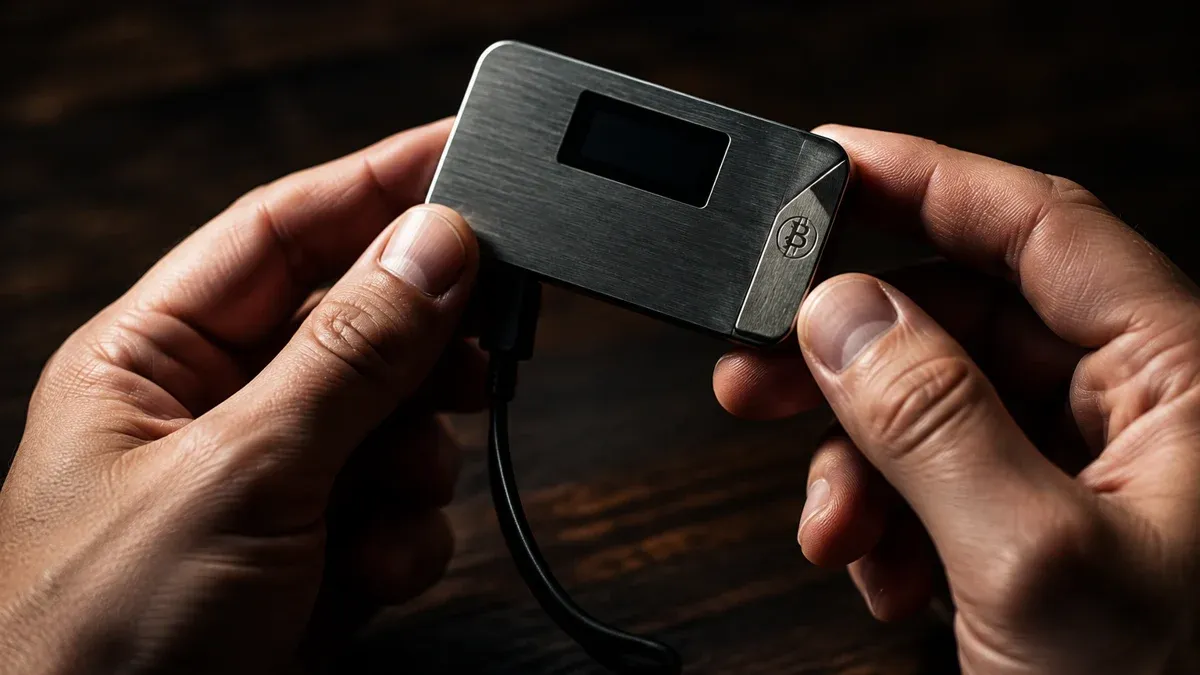
Hot Wallet or Cold Wallet: the Private Key Decides How Safe Your Coins Are
Hot wallet or cold wallet: the difference rests solely on whether the private key is online. What separates the two forms, where the limits of hardware lie and why moving to your own device triggers no tax.
October 2, 2026 7:16 AM

$1.26 Billion in Three Months: Crypto Hacks Hit Their 2026 High
The security firm CertiK counts around $1.26 billion in damage from 247 incidents for the third quarter of 2026. September was the worst month of the year with 99 cases, and this is the background and what it means for your custody.
September 30, 2026 7:16 AM
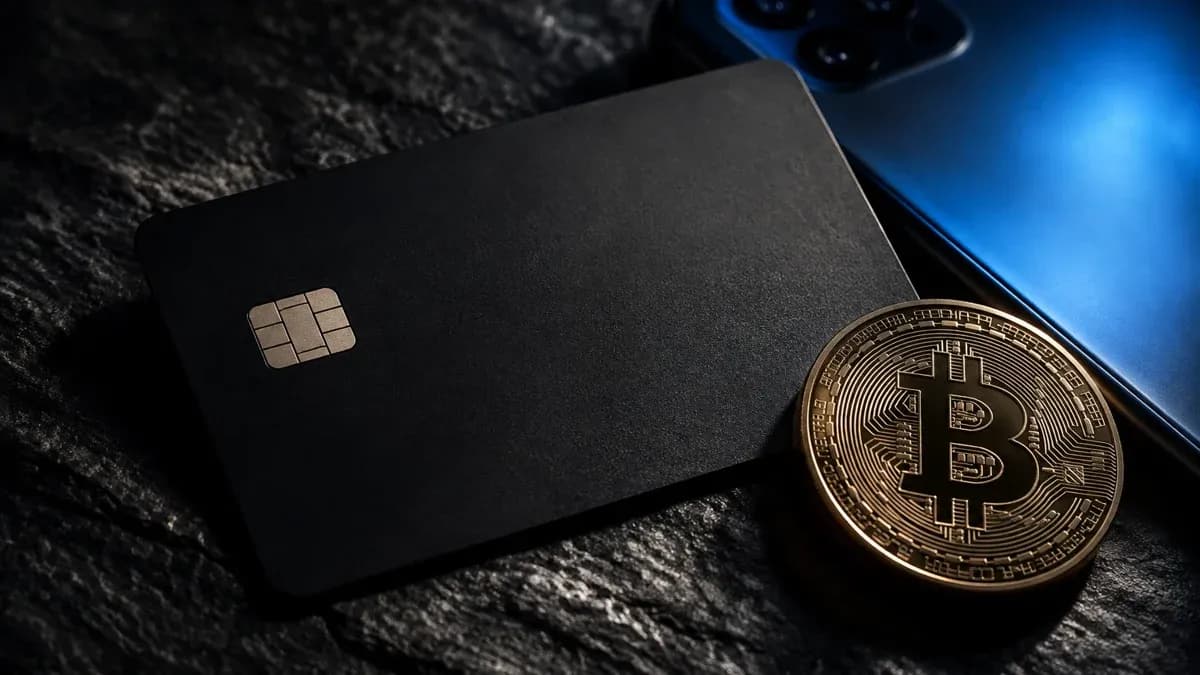
Tangem Wallet: The Card Without a Seed Phrase vs the Classic Hardware Wallet
The Tangem Wallet secures crypto with two or three identical cards instead of 24 words. What the sets cost, which security findings exist and why we no longer recommend Tangem.
September 28, 2026 10:26 AM
Phantom Wallet and Solscan: What a Solana Transfer Really Costs and Where It Fails
A transfer on Solana costs 0.000005 SOL, a new token account ties up 0.00148844 SOL once — both values measured on-chain by us today. This practical guide shows how to set up Phantom, how to get there from the exchange, how to read Solscan and what applies for tax in Germany.
September 25, 2026 4:11 AM
Bitget Pauses Withdrawals: Where Existing Customers in Europe Stand
Bitget reports unauthorised outflows of around $351.6 million (later revised to $387.5 million) and has suspended withdrawals. For existing customers in Europe, that closes the one route MiCA had left them.
September 23, 2026 4:12 AM
How to Set Up a Crypto Wallet: Securing Your Coins in Seven Steps
Your own crypto wallet is set up in twenty minutes, yet a single step decides everything that follows. This guide takes you through wallet type, recovery words and the test amount, and sets out what BaFin and the tax office expect.
September 20, 2026 4:15 PM
Crypto Phishing After a Data Breach: The Warning Signs in a Fake Exchange Email
After every major data breach, the number of phishing emails sent in the name of crypto exchanges and wallet manufacturers rises. This article shows you how to recognise such a message, which data a reputable provider never requests by email, and what to do in the first hour after a click.
September 19, 2026 10:11 PM
North Korean Hackers Drain 7,000 Crypto Wallets: What to Check on Job Offers and Coding Tests
Seven agencies, among them Germany's BND and BfV, warn about the WaterPlum group: 30,000 infected machines, more than 7,000 drained wallets. The bait is a job offer, the trap a coding test.
September 17, 2026 4:14 PM
D'CENT App Wallet: How to Tell If Your Recovery Phrase Has to Move Now
Manufacturer IoTrust reports suspicious asset transfers in the D'CENT app wallet and asks users to move their holdings. One question decides the matter: has your recovery phrase ever been entered into the app?
September 10, 2026 1:14 PM
Phishing Email From the Real Sender Address: How to Check a Wallet Security Warning
An alleged security warning to wallet customers travelled through the manufacturer's genuine sending channel and passed every technical authenticity check. The test that still holds costs you four minutes.
September 10, 2026 9:13 AM
Trezor Hack Scare: That STM32 Entropy Email Is a Phishing Attack
Trezor users received a fake STM32 entropy warning sent from a real Trezor address. Here is what happened and what to do if you clicked.
August 25, 2026 10:31 PM
Crypto Wallet Phishing by Letter: Why the QR Code From Your Postbox Wants Your Recovery Phrase
Letters carrying a QR code urge a supposedly urgent wallet update on grounds of quantum resistance and lead to a page that asks for the recovery phrase. The Federal Office for Cybersecurity reported the ploy on August 18, 2026.
August 22, 2026 4:13 AM
SafePal Data Breach: 39,798 Customers Exposed With Names, Addresses and Phone Numbers
SafePal confirmed a data breach on August 16, 2026: the names, delivery addresses, phone numbers and order details of 39,798 customers were exposed. Seed phrases and private keys were not affected, but the phishing risk is substantial.
August 11, 2026 1:32 PM
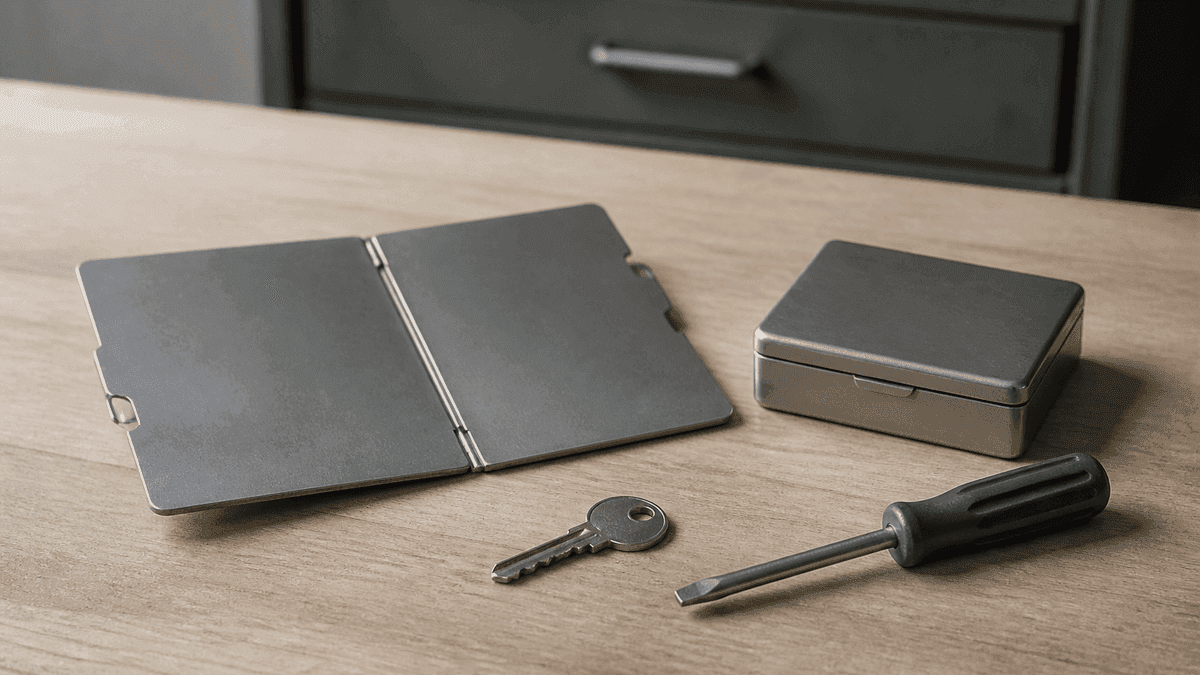
How to Store a Seed Phrase Safely: What Steel, a Passphrase and Multisig Do for Your Wallet Backup
The Coldcard case pushed the manufacturer question to the front, while barely touching on where the backup is kept. This guide places paper, steel, the passphrase and splitting methods against the BIP-39 and SLIP-0039 standards.
More from CryptoTicker